Sally's Walkthrough
Opal Onboarding v3
A 36-year-old stay-at-home mom of three walks through the Opal onboarding for the first time. Every thought. Every hesitation. Every moment it landed.
Thinks in hard rules and consequences. Downloaded Opal to manage her entire family's screen time, not just her own. She says "holds me accountable," never "mindful."
"I need something that actually locks their phones at 10 PM. Not a suggestion. A rule."
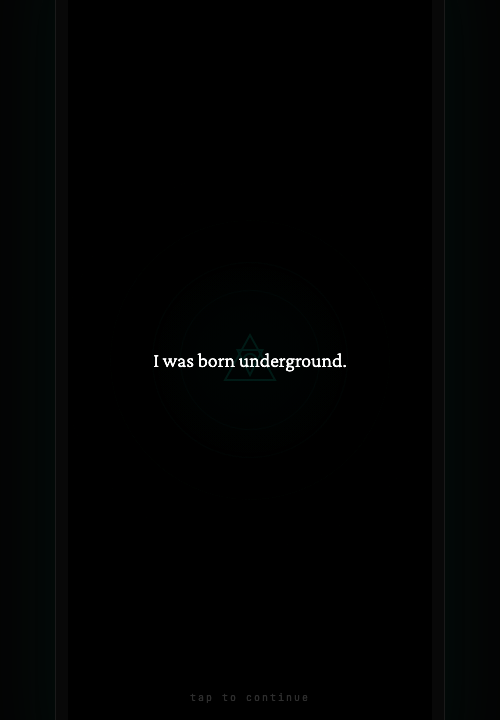
"I was born underground"
"I just opened this app called Opal. First thing I see is... 'I was born underground.' What? Is this a game? I downloaded this to help me with my kids' screen time, not to read poetry. But alright, I'll tap to continue."
The narrative opening creates intrigue but risks alienating goal-oriented users like Sally who came with a specific job-to-be-done.
The Crack
"Now there's this thing about my focus being precious and everything competing for it. Okay, I get it. That's true. My 16-year-old is on TikTok until midnight. But this feels very... dramatic? Like a movie trailer."
Philosophical framing lands differently for parents vs. individual users. Sally connects it to her kids, not herself.
Auth / Sign Up
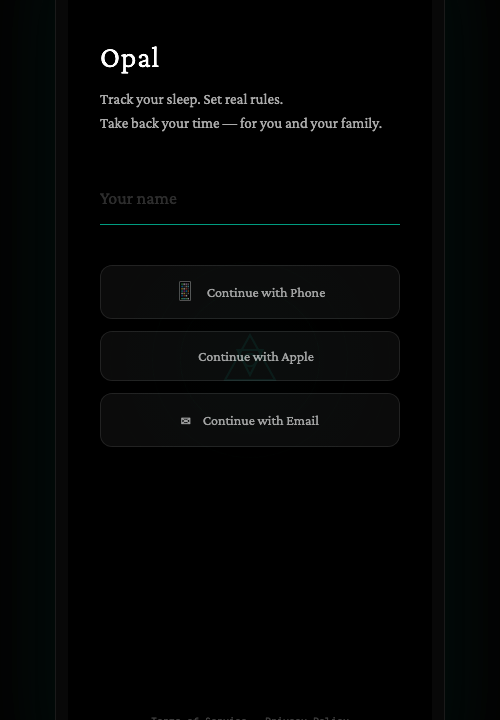
"Oh wait — 'Track your sleep. Set real rules. Take back your time — for you and your family.' THAT is what I'm here for. That line about family. That's me."
✅ The tagline nails Sally's core motivation. "Set real rules" speaks her language perfectly.
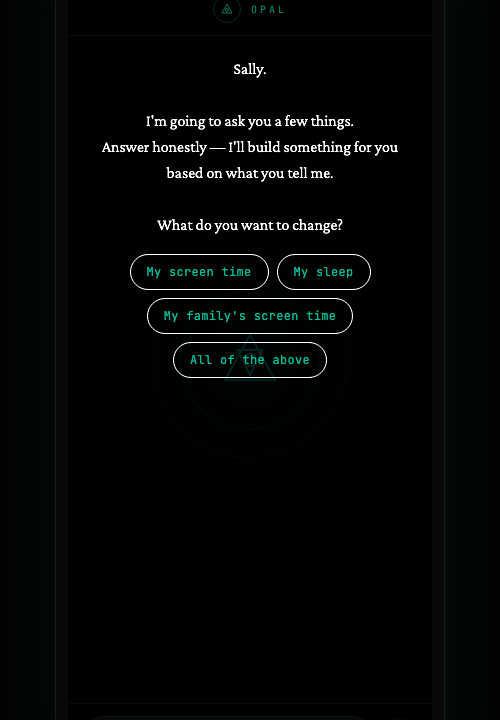
What do you want to change?
"It's asking what I want to change. 'My family's screen time' — obviously. That's why I'm here. I need something that actually sets rules, not another mindfulness app."
✅ Including "My family's screen time" as an option makes Sally feel seen. Many apps only offer individual options.
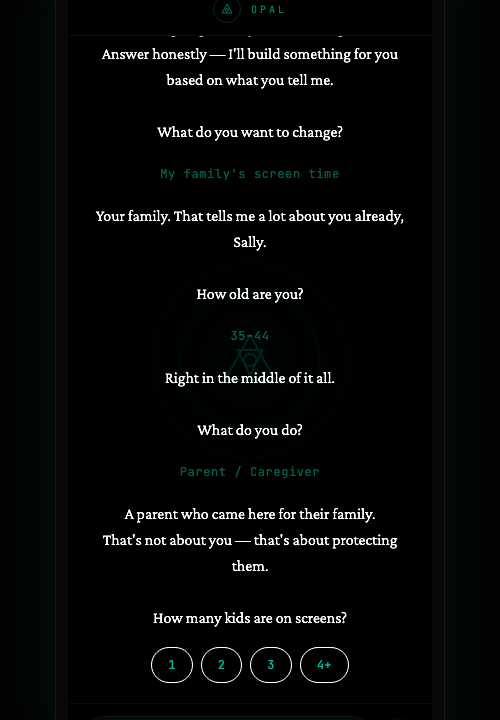
How old are you?
"'Your family. That tells me a lot about you already, Sally.' Okay that's kind of nice? Like it sees me."
The acknowledgment after her choice builds trust. The conversational tone works.
What do you do?
"Parent / Caregiver — obviously. The fact this is an option matters. So many apps only have 'student' or 'professional.'"
✅ Including Parent/Caregiver as a first-class option signals that this product was built with people like Sally in mind.
How many kids?
"'A parent who came here for their family. That's not about you — that's about protecting them.' This thing gets it. Three kids."
The reframing from "controlling screen time" to "protecting them" aligns with Sally's self-image as a guardian.
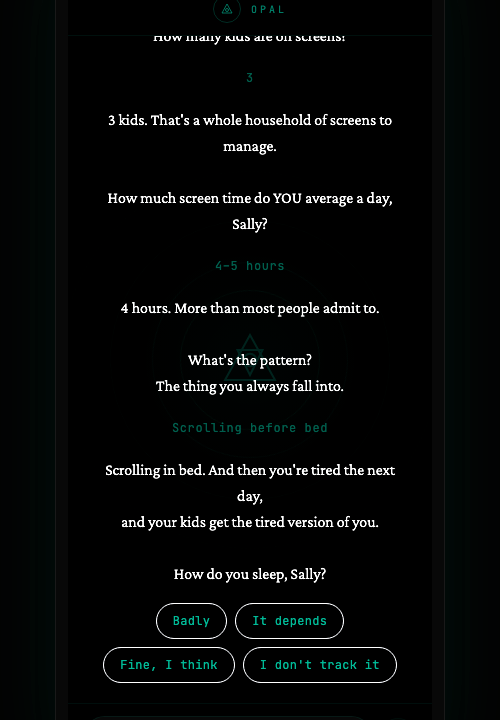
Screen time
"'3 kids. That's a whole household of screens to manage.' I mean, yes, exactly. THANK you. I put 4-5 hours for my own screen time. I know it's bad."
Each acknowledgment deepens the conversation. Sally is being heard, not just surveyed.
The pattern
"'The thing you always fall into.' Scrolling before bed. Every single night. I tell myself I'll just check one thing and then it's 1 AM."
Asking about "the pattern" elevates the question from data collection to self-reflection.
The Sleep Question
"'Scrolling in bed. And then you're tired the next day, and your kids get the tired version of you.' I... yeah. That's real. That actually stung a little. I say Badly."
⭐ This is the emotional peak of the chat. Connecting her behavior to her kids' experience is powerful — it's exactly Sally's deepest fear.
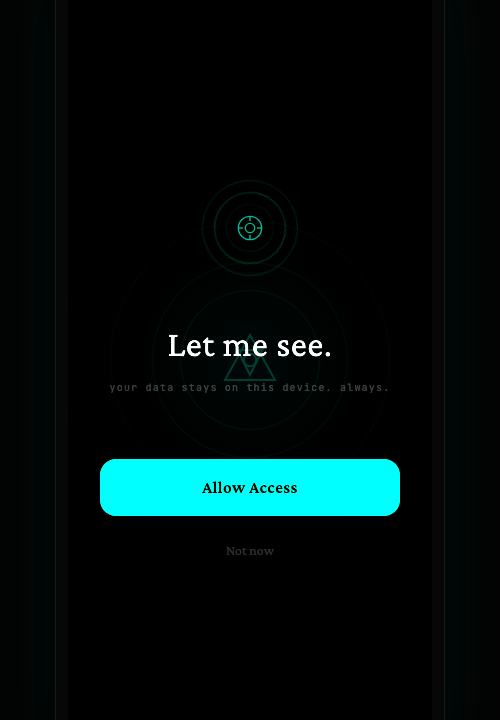
Show me
"'You scroll before bed and you sleep badly. That's not a coincidence, Sally. That's cause and effect.' Then it says it needs to see my device. Hard rules. Cause and effect. This thing talks my language."
The transition from emotional insight to action request feels earned. Sally would grant access here.
Permission
"'Your data stays on this device. Always.' I appreciate that. With three kids' data potentially involved, privacy matters. I hit Allow Access."
✅ Privacy reassurance is critical for parents. Short, direct, no legalese.
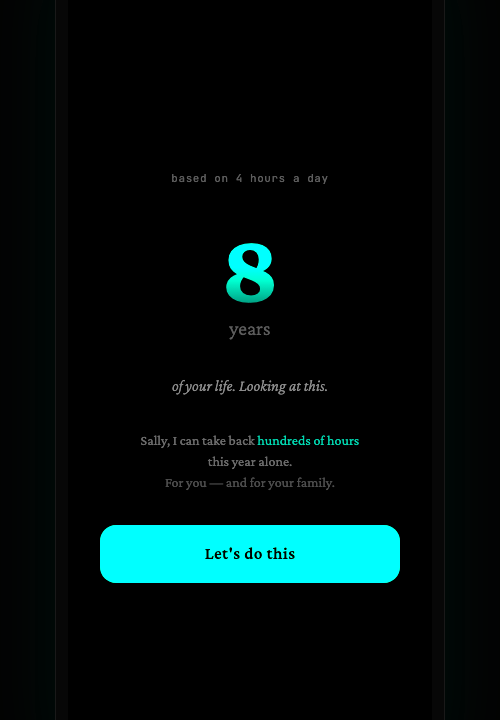
The Reveal
"8 years of your life. Looking at this. Based on 4 hours a day. Eight years? I have three kids and I'm spending EIGHT YEARS staring at a screen? I need a minute."
⭐ The "item get" moment. Full-screen, giant number, personal calculation. This is the screen that converts.
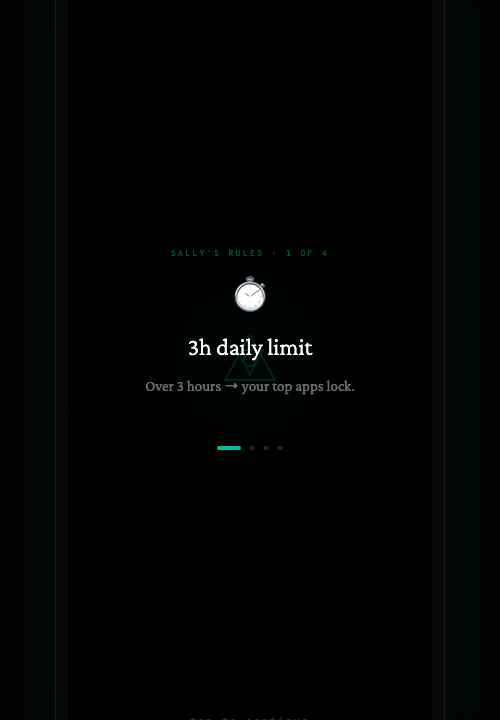
Sally's Rules
"'Sally's Rules' — a 3-hour daily limit. Over 3 hours and my top apps lock. YES. This is exactly what I wanted. Hard rules, real consequences. Not some gentle reminder I can ignore."
⭐ This is Sally's screen. She came for rules and she got rules. Named "Sally's Rules" — personalized, authoritative.
The Streak
"'Keep the flame alive.' Day 1, streak begins. I actually like this. I'm competitive. The weekly calendar makes it tangible."
Streak mechanic gives Sally a visible commitment device — she thinks in streaks and consequences already.
The Final Crack
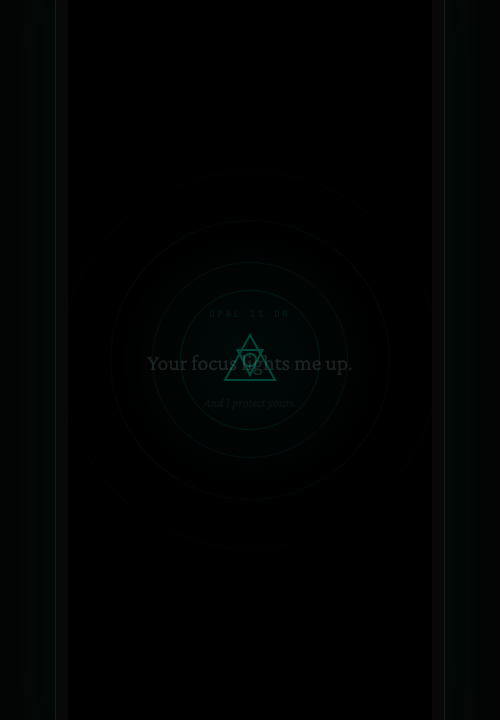
"Something about my focus rising up with this triangle symbol. Honestly not sure what this means. But at this point I'm already sold. This thing GETS me."
The mythological ending may lose pragmatic users like Sally. She's already committed — this screen is for the brand, not for her.
The Verdict
How Opal's onboarding performed for a family-focused parent persona.
✅ What Worked for Sally
- ✓ "My family's screen time" as an option
- ✓ "Parent / Caregiver" as a first-class role
- ✓ The sleep connection: "your kids get the tired version of you"
- ✓ Privacy reassurance on the permission screen
- ✓ "Sally's Rules" — hard rules with consequences
- ✓ The 8-year reveal — personal, visceral math
✗ What Didn't Land
- ✗ "I was born underground" — confusion, not intrigue
- ✗ The final mythological crack screen — lost her
- ✗ No mention of setting rules for her KIDS' devices
- ✗ The chat never asked about her children's ages or habits
→ What Would Fix It
- 1. Add a family setup flow after individual onboarding
- 2. Ask about each child's age and primary apps
- 3. Let Sally set rules per child, not just for herself
- 4. Replace mythological bookends with concrete outcomes for family-focused users